Blog
Phones, Paging, and Security on One Platform: The Cutover
November 3, 2026 · True IP Solutions
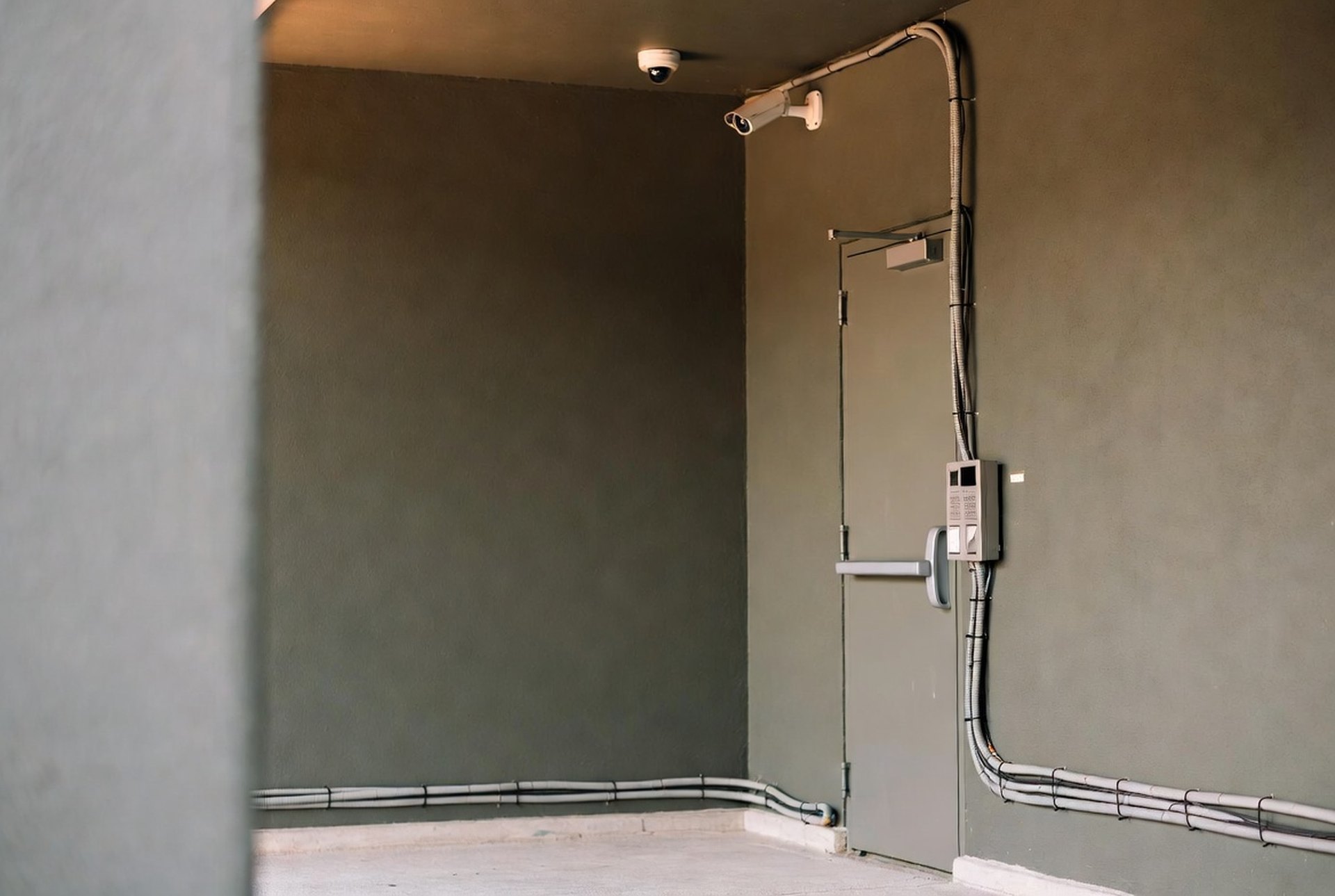
Moving phones, paging, and security onto one platform is one project with one schedule, and the order of the work decides whether it goes smoothly. The network comes first, then the phones with a 911 test at every site, then paging and bell schedules, then doors and cameras, and only after each layer is proven does anything switch over. Skip a layer and the first sign of trouble is a front office that cannot reach a classroom.
Our earlier post on the triple play of voice, security, and paging explains why these systems belong together. This one covers what the work looks like once you decide to do it, for a school district or any multi-site organization.
Start with an inventory of every endpoint
A converged project is priced and scheduled from a list, so the list has to be complete. Walk every building and write down what is actually there: phones and the lines behind them, overhead speakers and paging zones, bell schedules, door readers and locks, cameras, and the closets where the cabling ends.
The expensive surprises are almost always things nobody listed. Analog lines behind fire panels and elevators. A paging amplifier in a ceiling that predates the current staff. A camera that records to a box under a desk. If you are writing an RFP for the project, the same inventory belongs in the scope.
Build the network before anything rides on it
Phones, cameras, door access, and paging all run on the same backbone in a converged design, so the backbone gets checked first. That means cabling and switching sized for voice, video, and door traffic at the same time, campus-to-campus links that reach every building, and a plan for what happens to each system if a link goes down.
This is the step buyers most often try to shorten, and it is the one that causes the most grief later. A camera feed that saturates a switch uplink shows up as choppy calls, and the phone gets blamed.
Run the new phones in parallel and test 911 building by building
The hosted platform is built alongside your old system, so your phones keep working while the new one is stood up. Your numbers are ported to it. Before a single live call moves, each site places a 911 call from the new system and confirms that the call carries the correct address.
For a school or a county office, Kari’s Law and RAY BAUM’S Act make this a requirement and not a courtesy. Direct 911 dialing and a dispatchable location are tested at every site, not sampled at one. Our Hosted PBX service is built around that sequence.
Prove paging and bell schedules next
Paging moves onto the same platform once the phones are stable. Any IP phone can page a zone or work as an intercom, and in most buildings the existing overhead speakers stay, connected through SIP-based adapters. Then each zone is tested: one classroom, one wing, one building, all-call.
Bell schedules get their own test, and the unusual days are the ones to run. A normal Tuesday proves little. Run the early-release schedule and the testing-day schedule before anyone depends on them, because those are the days a wrong chime costs you a transportation plan.
Tie doors and cameras to the same events
With the network and the phones in place, access control and cameras join the platform. This is where one system starts doing things three systems could not. A door forced open can flag the nearest camera’s clip for review. A lockdown can fire the announcement, the door locks, and the camera alerts from one trigger instead of three separate steps.
Test those events the way they will be used. Trigger a lockdown on a Tuesday afternoon after telling the building’s staff, and watch what each system does and in what order. A rule that works on paper and fires in the wrong sequence is better found in a drill.
Switch once each layer is proven
Cutover day should be dull. The numbers are already ported and tested. The paging zones have been exercised. The doors and cameras have been through at least one drill. The old equipment goes quiet and the new platform carries the load.
Afterward, you call one number for all of it. A live agent works to answer within 60 seconds at any hour, and same-day or next-day on-site service is available depending on technician availability. That single support line is a large part of why organizations converge in the first place.
What can go sideways
Three things cause most of the trouble on a converged cutover. A port date that slips, which delays everything built around it. An analog line that was never inventoried and gets discovered when someone picks up a dead handset. And a bell schedule or an after-hours routing rule that was tested only for the normal day.
None of these is exotic. All of them are cheaper to find in the inventory and the testing than on the morning the system goes live.
When one platform is not the right call
You do not have to move everything at once, and you do not have to use one vendor. If your access control system is new and works, leaving it alone and phasing the rest is a reasonable plan. The reason to converge is that coordination between systems gets simpler and one team owns the whole site. If you already have that, the case is weaker.
Where to start
Start with the inventory, even if you never hire us. A complete list of what is in each building is the most useful document in any converged project, and it makes every quote you collect easier to compare. When you want a second set of eyes on it, contact our team and we will walk a site with you.
Frequently Asked Questions
What does it mean to put phones, paging, and security on one platform?
The phone system, paging and bell schedules, access control, and cameras run on one network and are installed, supported, and tied together by one team. Events in one system can trigger actions in another, such as a lockdown that pages the building, locks doors, and flags camera footage together.
How long does a converged cutover take?
It depends on the number of buildings, how much cabling work the sites need, and how long number porting takes. The sequence stays the same: inventory, network, phones with 911 tests, paging and bell schedules, doors and cameras, then the switch.
Does 911 keep working during the switch?
Yes. The new system is built in parallel and tested building by building before anything moves, so your ability to reach emergency services never goes dark.
Do we have to replace our existing overhead speakers?
In most cases no. SIP-based paging adapters connect to most existing overhead systems, so you keep the speakers you have and add IP endpoints where you need them.
Can we phase the project instead of doing it all at once?
Yes. Many organizations move phones and paging first and add doors and cameras later. The network work should still be sized for the full design so later phases do not require rebuilding it.