Call 855-878-8477
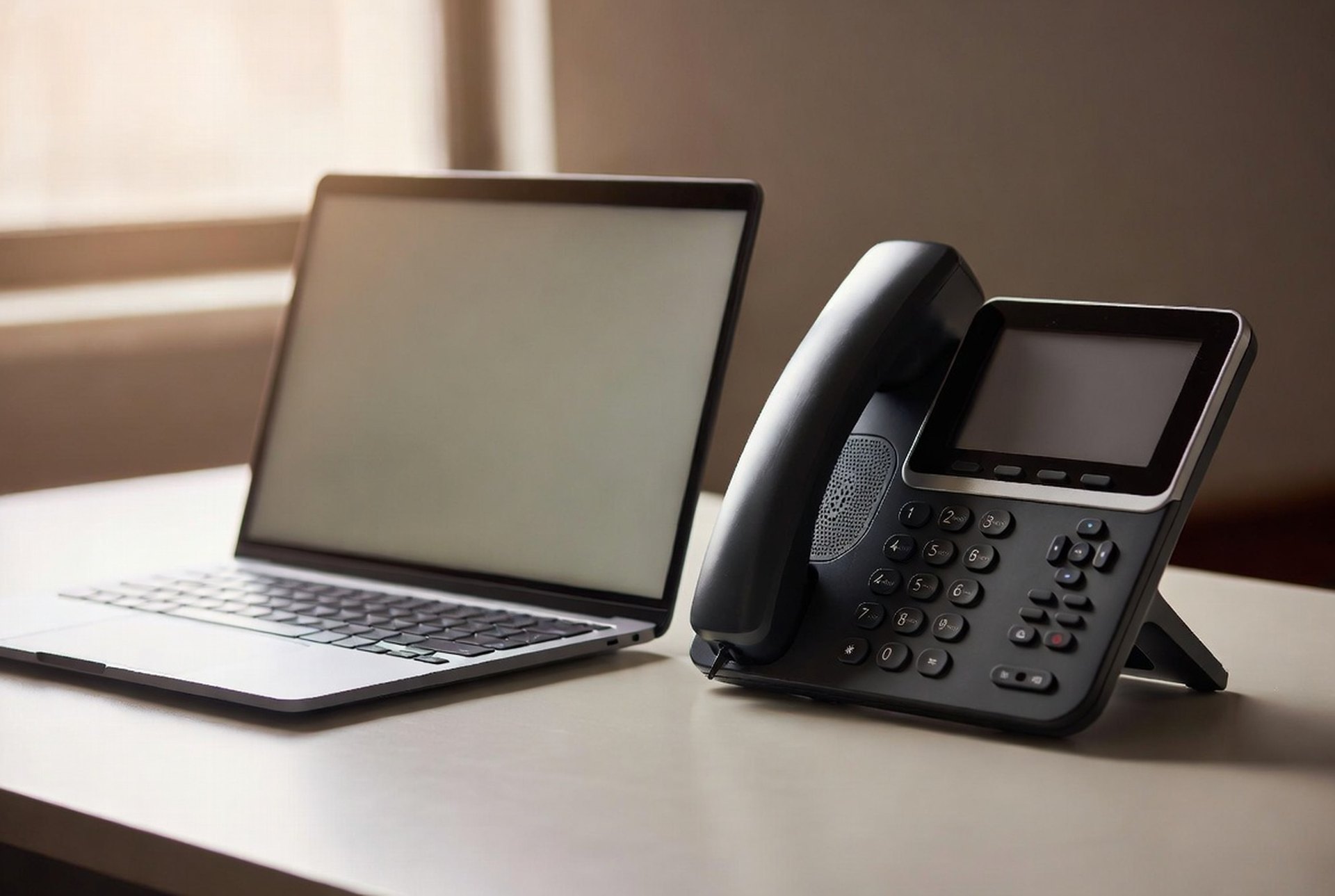
A business desk phone beside an open laptop on a clean desk

Integrations

Microsoft Teams Phone Calling, Set Up and Supported by True IP

Turn Microsoft Teams into your business phone system. True IP Solutions adds calling to the M365 schools and government already own. Get a free consultation.

Get a Free Consultation

At a glance

Runs onMicrosoft 365
DevicesDesktop and mobile
ComplianceKari's Law 911
Support24/7 on-call

Your staff already live in Microsoft Teams, where they chat, meet, and share files. Teams Phone from True IP Solutions adds real calling to that same app: outbound calls to any number, inbound calls to extensions, transfers, and conference bridges, all on the M365 your district or agency already owns.

How Teams Phone calling works

We connect True IP Solutions cloud calling to your Microsoft 365 tenant. Once it is in place, Teams gains real phone features on top of the chat and meetings your staff already use. Existing Microsoft 365 users are licensed with a calling plan, or a Common Area Phone license for shared phones in hallways, classrooms, and break rooms. We walk you through which licenses you already own so you do not over-buy.

Why this fits schools and government

What you get with True IP

One app for everything

Chat, calling, meetings, and conferencing in a single window, so there is less software to manage and train on.

Outlook stays in sync

Contacts and meeting details flow between Teams and Outlook.

Lower cost through consolidation

Use the M365 licensing you already pay for instead of a separate phone vendor.

Routing you control

Set call treatment, hours, and forwarding from the TIPS Portal.

Onboarding and technical support

We set it up, train your staff, and stay on call.

Room to scale

Add users, buildings, or shared phones as you grow.

A real phone system, not just an app

Teams Phone calling pairs with the rest of the platform we deliver, so there is one team to call when you need help.

Frequently asked questions

What is Microsoft Teams Phone?

Microsoft Teams Phone adds business calling to the Teams app, so staff make and receive outside calls, dial extensions, and transfer calls from the same window they use for chat and meetings. True IP Solutions connects the calling service to your Microsoft 365 tenant and supports it.

Do we need a special license to add calling to Teams?

Each user who places and receives calls needs a calling-capable license, and shared phones in common areas can use a Common Area Phone license. We review your current Microsoft 365 licensing and tell you exactly which seats need an upgrade so you do not pay for more than you use.

Can a school district use Teams as its phone system?

Yes. Districts use Teams Phone across the front office, counseling, administration, and remote staff, with shared-area phones for classrooms and common spaces. Calls reach 911 directly to meet Kari's Law, and the system is managed centrally for every building.

Does Teams Phone work with our existing phone numbers?

Yes. We port your existing numbers to the calling platform so staff keep the numbers callers already know. Inbound and outbound calls then flow through Teams.

Who supports it after setup?

True IP Solutions does. We are based in North Carolina, we configure the integration, train your staff, and carry 24/7 on-call support for emergencies. There is no separate phone vendor to call.

Put the Microsoft 365 you already own to work

Tell us about your Teams setup and your buildings, and we will show you how to turn Teams into a full phone system and what it costs to get there.

From our blog

March 2026

Benefits of Unified Communications for Growing Teams

Read the article →

October 2025

The Complete Guide to Modern Business Comms

Read the article →